
Blog

How to Choose an Optical SFP Module in 2026

In 2026, choosing an Optical Sfp Module is less about matching a product label and more about confirming that every link detail fits the network. A 10G module can look right online yet fail when its wavelength, reach, fiber type, or host-device coding does not match. Small mismatches matter. Check the switch or router compatibility list, then compare the module’s data sheet with the actual port requirements. Record the link speed, connector, transmission distance, and whether the path uses single-mode or multimode fiber.

The right choice also depends on the installation, not just the specification sheet. A short link between two racks may need a different optic from a campus run exposed to wider temperature changes. Review operating temperature, digital diagnostics, power draw, and supported cable lengths before ordering. Where possible, test the module with the intended equipment and inspect received optical power after installation. Ask the supplier for clear part numbers, warranty terms, and return conditions. That is practical, not glamorous. Still, it can prevent a costly site visit.

Do not assume that the newest or highest-rated module is automatically the safest choice. Vendor coding and firmware behavior can vary, and product listings may omit useful details. Treat any missing specification as a question, not a harmless gap. This guide outlines a careful way to compare options, verify compatibility, and balance reliability with cost. It cannot replace the device manufacturer’s documentation, but it can help you ask better questions before the optic reaches the rack.
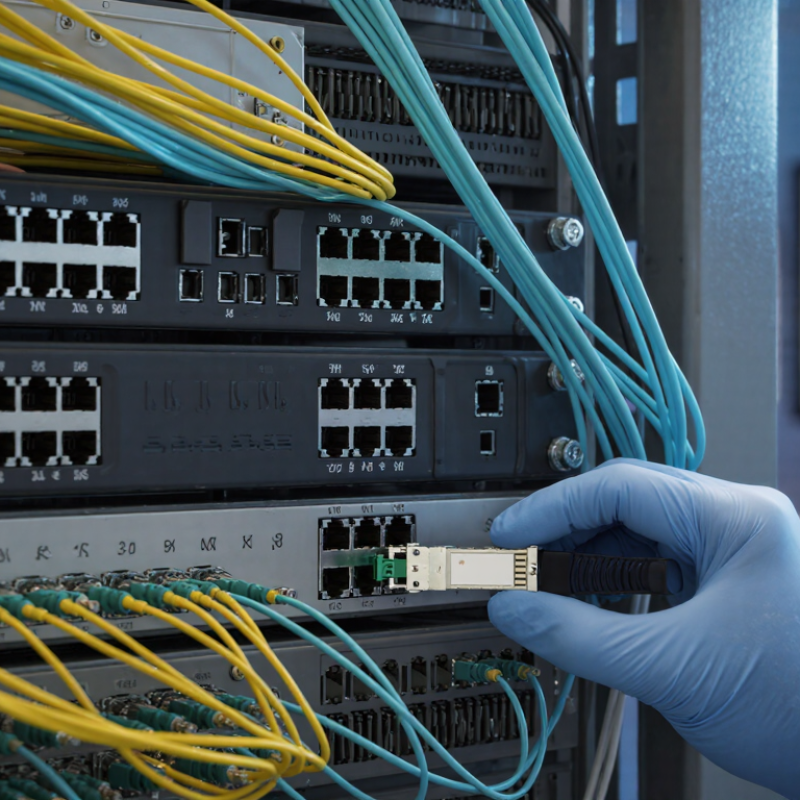
How to Choose an Optical SFP Module in 2026

Identify the Network Requirements and Link Specifications

Begin with the two devices at the ends of the link. Record their port speeds, supported optical standards, and connector types. A 1 Gb/s port cannot use a 10 Gb/s module just because the connector fits. Confirm whether the link needs single-mode or multimode fiber, and note the installed cable’s type. Small details matter.

Match wavelength and reach to the actual path, including patch panels and service loops. A module’s distance rating is not a guarantee of reliable operation in every installation. Calculate the expected optical loss and compare it with the module’s transmit and receive limits. Check that both ends use compatible wavelengths and signaling. Planning often looks cleaner on a spreadsheet than in a rack.

Consider the environment, too. Tight bends, dusty connectors, and long patch leads can weaken a link. Clean and inspect fiber ends before testing; then verify received power with suitable test equipment. Digital optical monitoring can help, but it does not replace a proper link test. Leave some loss margin for future changes. If the route or fiber specification is uncertain, pause and verify it rather than guessing.

Match the SFP Type to Fiber, Wavelength, and Transmission Distance

Choosing an optical SFP module starts with the cable already in place. Multimode fiber commonly pairs with 850 nm optics for shorter links, while single-mode fiber often uses 1310 nm or 1550 nm optics for longer spans. The wavelength must match at both ends. Check the connector type, too; LC connectors are common, but the physical fit alone does not confirm compatibility. For duplex fiber, verify transmit and receive connections. Simple detail. Easy to miss.

Then compare the module’s rated reach with the real route, including patch panels and intermediate connections. A stated maximum distance is not a guarantee: fiber condition, connector cleanliness, and total link loss affect performance. Leave some margin rather than selecting a module that barely meets the calculated span. It is tempting to focus only on reach, but that can hide a mismatch in fiber type or wavelength. Check the host port’s supported speed and the equipment documentation as well. If readings are available, digital diagnostics can help monitor optical power after installation. A tidy specification match can still disappoint, so verify the actual cable path and both endpoints before ordering.

How to Choose an Optical SFP Module in 2026

Match the SFP type to the fiber, wavelength, and required transmission distance.

These are typical maximum reaches for the listed Ethernet optics and fiber grades. 1000BASE-SX uses 850 nm multimode fiber; 10GBASE-SR uses 850 nm multimode fiber; LX and LR use 1310 nm single-mode fiber; ER uses 1550 nm single-mode fiber. The distance axis is logarithmic so both short- and long-reach options are easy to compare. Check the optic and fiber specifications for your exact link, since fiber grade, connectors, and installation quality also matter.

Verify Equipment Compatibility and Supported Standards

Before ordering an optical SFP module, match its interface to the exact port and platform. Check the equipment documentation for supported speeds, SFP form factor, coding requirements, and firmware restrictions. Then verify the Ethernet standard, such as 1000BASE-SX or 10GBASE-LR. Similar-looking modules can use different wavelengths, fiber types, and reach limits. A 1310 nm module designed for single-mode fiber will not suit every multimode link. Check both ends of the connection.

The Ethernet Alliance’s 2024 Ethernet Roadmap tracks industry transitions through 400GbE, 800GbE, and 1.6TbE. Those speed milestones show why “faster” is not enough: the host port and module must support the same standard and lane configuration. Confirm connector type, optical budget, and required FEC against the equipment specifications. Also check whether the module reports diagnostics through DOM/DDM. I still verify both endpoint manuals; a product label alone can mislead.

Tips: Record the port model, standard, wavelength, fiber, and maximum reach before buying. For a short multimode link, check OM type and distance limits. For single-mode, confirm the specified reach and matching wavelength at each end. Keep the datasheet. Real-world cabling and patch panels can reduce usable margin.

Compare Data Rate, Connector Type, and Operating Conditions

How to Choose an Optical SFP Module in 2026

Start with the data rate your equipment actually supports. A module rated for a higher speed may not work in a port designed for a lower one. Check both ends of the link, not just the switch specification. Then match the optical reach to the cable run. A short connection across one equipment room rarely needs the same reach as a campus link. More capacity is not always a better fit.

Connector type is a practical detail with real consequences. Many optical modules use LC connectors, while installed cabling may use another format. Check the module and patch-cord ends before ordering. Also confirm whether the link uses single-mode or multimode fiber, and whether its wavelength suits the installed cable. A connector can fit and still leave the link incompatible. I still double-check this part; product descriptions can make small differences easy to miss.

Operating conditions matter just as much. Compare the module’s temperature range with the room or cabinet where it will run, especially in crowded racks with limited airflow. Verify power requirements and the equipment’s compatibility guidance, too. For a stable link, inspect the fiber ends and keep them clean before connecting. Dust is tiny. Its effect may not be. Leave some margin in your distance and temperature estimates, because real installations rarely match the ideal conditions on paper.

Check 2026 Product Documentation and Deployment Requirements

Before ordering an optical SFP module, open the current product datasheet and the equipment’s compatibility guide. Check the exact data rate, wavelength, fiber type, connector, and supported transmission distance. A module rated for single-mode fiber will not automatically suit a multimode link. Small details matter.

Compare the module’s operating temperature with the actual installation environment, especially in cabinets with limited airflow. Confirm whether the host requires specific module coding, digital optical monitoring, or particular error-correction settings. Then review the link budget: estimate fiber loss, connector loss, and any patch-panel connections along the route. Keep some margin. A calculated reach is not a promise if the cable plant is old or poorly documented.

Deployment requirements should come from both ends of the link. Verify that each switch port supports the selected speed and optical interface, and check whether firmware updates affect compatibility. Product documentation can be incomplete, so record the part specifications, port settings, fiber path, and measured receive-power levels during installation. That record makes later troubleshooting less guesswork. It is tempting to choose the longest-reach option for flexibility, but excess capability does not fix mismatched fiber or unsupported host settings. Recheck the details before purchasing.

How to Choose an Optical SFP Module in 2026 — Check 2026 Product Documentation and Deployment Requirements

Use this guide to narrow down the module type. Reach figures are typical standardized maximums under specified fiber conditions; verify the exact module datasheet, host-device documentation, and link budget before deployment.

Link requirement Module / Ethernet type Wavelength Fiber and typical maximum reach Deployment checks
1 Gb/s, short in-building link SFP, 1000BASE-SX 850 nm Multimode fiber; up to 550 m on OM2, 1 km on OM3, or 1.1 km on OM4, subject to the applicable specification and module datasheet. Confirm the fiber grade, connector type, and that both link ends support 1000BASE-SX.
1 Gb/s, longer campus or building link SFP, 1000BASE-LX 1310 nm Single-mode fiber; typically up to 10 km. Check the specified single-mode fiber, optical budget, connector cleanliness, and any requirements for use over multimode fiber.
10 Gb/s, short data-center link SFP+, 10GBASE-SR 850 nm Multimode fiber; up to 300 m on OM3 or 400 m on OM4. Verify the fiber grade and route length, including patch panels and patch cords.
10 Gb/s, longer single-mode link SFP+, 10GBASE-LR 1310 nm Single-mode fiber; typically up to 10 km. Check the end-to-end optical budget, fiber path, and host port support for 10 Gb/s.
25 Gb/s, short data-center link SFP28, 25GBASE-SR 850 nm Multimode fiber; typically up to 70 m on OM3 or 100 m on OM4. Confirm the switch or network adapter supports the required 25 Gb/s mode and module type.
25 Gb/s, longer single-mode link SFP28, 25GBASE-LR 1310 nm Single-mode fiber; typically up to 10 km. Validate host support, link budget, and the exact reach and fiber conditions in the module datasheet.
Fiber link using one strand BiDi SFP, SFP+, or SFP28, as required by the link speed Paired, different transmit/receive wavelengths Single-mode fiber; reach varies by module specification. Use a compatible complementary-wavelength module at the far end. Confirm both ends use the same speed, fiber type, and supported reach.

2026 Documentation and Deployment Checklist

Check What to verify before ordering or installation
Host compatibility Consult the current host-device documentation for supported form factor, Ethernet speed, module type, port restrictions, and any required software or firmware version.
Fiber plant Identify single-mode or multimode fiber, grade, total path length, connector type, and the number of connections or splices. Ensure both ends match the fiber and optical standard.
Optical budget and reach Check the module datasheet’s transmit and receive limits, specified maximum reach, and link-budget requirements. Do not exceed the stated reach or receive-power limits.
Environment Match the module’s documented operating-temperature range to the installation environment. Commercial and extended-temperature ranges vary by product; confirm the exact datasheet rating.
Monitoring and maintenance If digital optical monitoring is needed, verify that the module and host support it. Follow documented handling, cleaning, inspection, and laser-safety procedures.
Final documentation review Use the latest available 2026 host compatibility list and module datasheet for the exact hardware revision. Confirm operating mode, supported reach, environmental rating, and installation requirements before deployment.

Note: SFP, SFP+, and SFP28 describe different module interfaces and supported data-rate classes; physical fit alone does not guarantee that a host port will support a particular module or speed.