
24 Hour ServiceChoosing the best Retail Touch Screen Kiosk in 2026 means looking beyond screen size and polished product photos. A kiosk must fit the real work of a store: helping customers find products, check details, or complete a purchase without creating a new bottleneck. A bright display may look impressive, but it matters less if glare makes text hard to read beside a sunlit window. Small details count.
This guide compares practical factors, including touch responsiveness, screen visibility, mounting options, software compatibility, accessibility, maintenance, and total ownership cost. It also considers where a kiosk will operate, from a quiet boutique aisle to a busy checkout area where fingerprints and queues are routine. No single model suits every retailer. A compact unit may serve a narrow space, while a larger display can make product browsing easier but demand more room and upkeep. That trade-off is easy to overlook.
The recommendations should be treated as a starting point, not a substitute for checking specifications and testing a device in the intended environment. Retailers should confirm warranty terms, support availability, and integration requirements before buying. Those details can vary by supplier and configuration. The best choice is the one that reliably solves a specific customer or staff problem, at a cost the business can justify. And yes, a kiosk can still be the wrong answer.
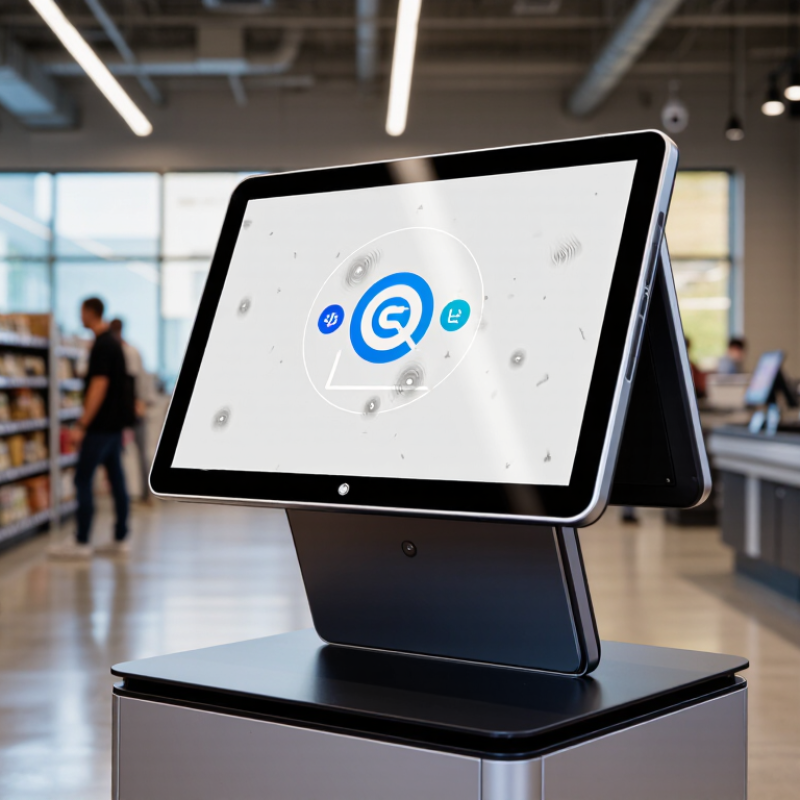
A retail touch screen kiosk is a self-service computer placed where shoppers can browse products, check details, or complete simple tasks. Its display responds to taps, letting customers search by name, category, size, or color. In a clothing store, for example, a shopper might check whether a jacket is available in another size without leaving the fitting area. Small tasks, fewer interruptions.
Behind the screen, kiosk software connects the interface to product information and, when configured, live inventory or ordering systems. A customer selects an item, reviews options, and may send an order to checkout or request help from staff. Payment can be included, but it is not essential; the right setup depends on store needs.
Clear buttons, readable text, and a screen positioned for standing users make a real difference. So does reliable connectivity. If stock data updates slowly, a kiosk may promise an item that has already sold. That is frustrating, and easy to overlook during setup.
Staff should test common journeys, clean the screen regularly, and know how to assist when the kiosk cannot resolve a question. A kiosk supports service; it does not replace attentive staff.
A strong retail touch screen kiosk in 2026 should make common tasks feel obvious, even during a busy Saturday rush. Shoppers need to find sizes, check stock, compare options, and request help without searching through crowded menus. Keep key actions visible. A 22- to 27-inch display can fit useful product details without dominating a narrow aisle, though store layout matters more than screen size alone.
Touch accuracy and readable contrast matter in bright storefronts. The interface should respond quickly to wet or gloved fingers when the store’s use case requires it. Test it under overhead lighting. Place frequently used buttons within easy reach, and support text enlargement, clear language, and audio guidance where appropriate. A polished kiosk that confuses older shoppers has missed the point.
Reliable systems also need practical upkeep. Choose a commercial-grade screen, a stable stand, protected cable routing, and components staff can clean without special tools. Stock and pricing data should update consistently, with a clear fallback when network access drops. Privacy matters too: show only necessary information, and avoid leaving personal details on screen. There is no universal best setup. Pilot one unit on a real shopping path for several weeks, then observe where customers hesitate. That extra test can feel slow, but guessing costs more.
In 2026, the best retail touch screen kiosk depends less on screen size than on the job it must do. A supermarket checkout needs a durable, easy-to-clean self-service unit with payment hardware and space for bags. A clothing store may benefit more from an endless-aisle kiosk, where shoppers can check sizes or order items not on the floor. In a pharmacy or beauty shop, a compact product-finder can reduce searching without blocking narrow aisles. Context matters.
The U.S. Census Bureau reported that e-commerce accounted for 16.1% of total U.S. retail sales in 2024. That figure supports connecting in-store browsing with online inventory, but it does not prove every store needs a kiosk. A kiosk can help shoppers bridge that gap; it can also become an ignored screen if stock data is wrong or the interface is slow. Convenience is not automatic. Choose freestanding units for busy, open areas; countertop models suit assisted service, while wall-mounted screens preserve floor space. Match screen height, accessibility, and cleaning needs to the actual shoppers and staff. Test placement during peak hours, not just in an empty showroom.
Tips: Keep the task obvious. Show a clear start button, readable product details, and a visible route to staff help. Ask employees where queues form. Their answer may challenge the original plan.
| Kiosk Type | Typical Retail Environment | Best Suited For | Placement and Footprint | Key Considerations |
|---|---|---|---|---|
| Countertop Kiosk | Checkout counters, service desks, and small specialty shops | Product lookup, loyalty enrollment, appointment check-in, and assisted ordering | Compact unit placed on an existing counter | Uses little floor space, but screen size and accessible reach can be limited by the counter layout. |
| Freestanding Kiosk | Department stores, supermarkets, shopping centers, and large-format retailers | Self-service ordering, catalog browsing, store information, and customer service tasks | Floor-standing unit positioned in a visible, accessible area | Offers a larger screen and flexible placement; allow clear circulation space and plan for power and network connections. |
| Wall-Mounted Kiosk | Compact stores, narrow aisles, fitting-room areas, and queue zones | Product information, promotions, queue sign-in, and quick service interactions | Fixed to a wall or suitable mounting structure | Saves floor space, but mounting height, viewing angle, wall strength, and cable routing need to be considered. |
| Self-Checkout Kiosk | Supermarkets, convenience stores, and high-volume retail locations | Customer-led checkout for eligible purchases | Floor-standing station, often arranged in a checkout zone | May require scanners, payment hardware, bagging space, and staff oversight; the setup should match the store’s transaction workflow. |
| Interactive Product-Finder Kiosk | Home improvement, electronics, furniture, and other stores with broad product ranges | Searching products, comparing specifications, checking availability, and locating items | Freestanding or wall-mounted, near relevant departments or entrances | Useful when products are difficult to browse in person; accurate product information and inventory integration are important. |
| Outdoor-Rated Kiosk | Garden centers, outdoor shopping areas, and retail pickup zones | Pickup check-in, outdoor ordering, and customer information | Installed outdoors or in a partially exposed area | Requires equipment specified for the site’s weather and operating conditions, plus appropriate protection, visibility, and connectivity. |
| Queue-Management Kiosk | Pharmacies, service counters, and stores with waiting lines | Taking a place in line, selecting a service, and displaying queue information | Countertop or freestanding unit near the service entrance | Should be easy to find without obstructing queues; screen prompts and any ticket or notification process should be simple to follow. |
Retail kiosk performance is more than screen speed. Measure how often shoppers finish a task, how long checkout takes, and how frequently staff step in. A kiosk that responds quickly but confuses users may still create longer queues. During a store pilot, observe real shoppers using it near busy periods. Note glare on the display, touch accuracy, and whether instructions are easy to follow. Demos can mislead.
Compare uptime across locations, not just under ideal test conditions. Track outages, restart time, payment or inventory system failures, and support response times. Also check accessibility, cleaning needs, and how easily staff can replace common parts. A ten-second delay may seem minor, but it can frustrate shoppers when several people are waiting. No metric is perfect. Store layout and customer habits can skew results, so compare similar locations where possible.
Total cost includes more than the purchase price. Add installation, network access, software fees, maintenance, replacement parts, energy use, and eventual hardware refresh. Estimate staff time spent troubleshooting, too. Ask vendors for clear service terms and realistic repair timelines, then test those assumptions during the pilot. Costs can shift. A low-cost kiosk may require more frequent attention, while a feature-rich model may include tools the store rarely uses. Compare cost per completed transaction over several years, using observed store data rather than optimistic projections.
The best retail touch screen kiosk is the one that solves a specific store problem, not the one with the largest display. A grocery store may need a compact unit for price checks and stock lookup. A fashion shop may benefit more from product search, size availability, and assisted ordering. For checkout, test screen height, payment workflow, and queue visibility with real customers. Small details matter.
Grand View Research estimated the global interactive kiosk market at about $31 billion in 2023, with projected growth through 2030. That figure covers multiple industries, so it does not prove every retailer needs a kiosk. It does show a growing market for self-service tools. Match the device to your busiest customer journey, then check whether it connects reliably with inventory and point-of-sale systems. Reliability beats novelty.
Before choosing, measure the space and watch where shoppers hesitate. A bright screen near an entrance may draw attention, but it can obstruct foot traffic. In a small store, a wall-mounted model may work better than a freestanding unit. Ask staff to test cleaning, accessibility, and daily troubleshooting. One awkward point: kiosks can reduce repetitive questions, yet they also create another device to maintain. Pilot one unit first. A short trial can reveal what a polished product demo misses.
These are common retail touchscreen display sizes, not a ranking of kiosk models. Compact screens can suit check-in or simple product lookup, while larger screens provide more room for catalogs, self-service ordering, and accessible on-screen controls. Choose based on the tasks customers need to complete and the space available.